
Dual SIM vs eSIM: What’s the Best Setup for Travelers?
Staying connected while traveling is no longer a luxury, it’s essential. From navigation and ride-hailing to work calls and banking authentication, mobile connectivity can make or break a trip. With roaming costs still high and smartphones now supporting multiple SIM technologies, many travelers face the same question: Dual SIM or eSIM, which setup works best? Understanding how Dual SIM and eSIM work, and how they differ in real-world use, helps you choose the most practical and cost-effective option for your travel style.
1. Dual SIM: What is it and how does it work?
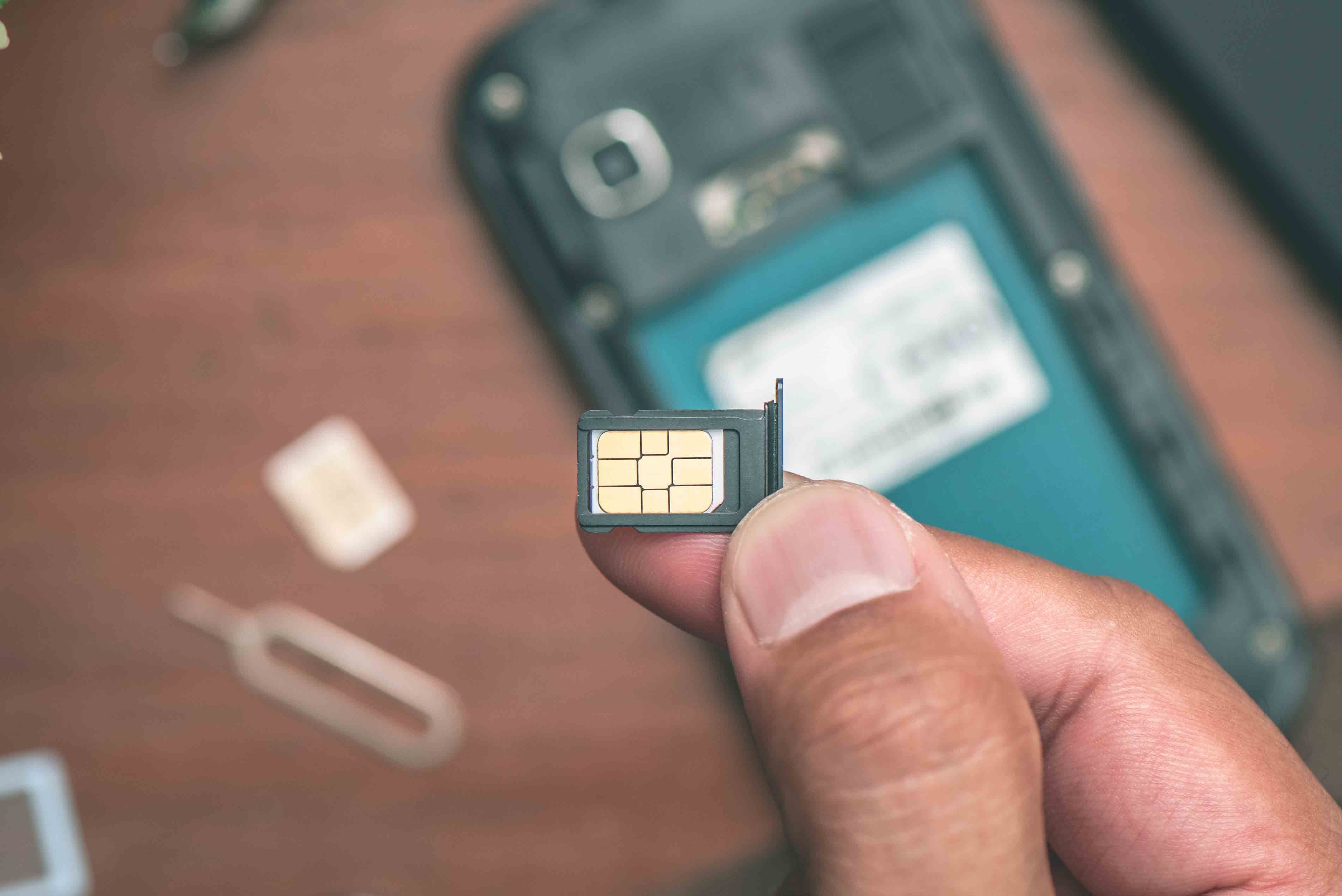
A Dual SIM phone allows you to use two mobile lines on a single device, giving you the flexibility to manage two numbers or plans without carrying two phones. Depending on the model, this can be:
-
Two physical nano-SIM cards
-
One physical SIM + one eSIM
-
Two eSIMs (supported on newer devices)
Regardless of the configuration, most modern smartphones operate using Dual SIM Dual Standby (DSDS) technology, meaning both lines remain connected to the network, but when one line is actively on a call, the other temporarily switches to standby and may send incoming calls directly to voicemail.
With Dual SIM enabled, you can:
-
Use one number for personal calls and another for work.
-
Keep your home number active while using a local data plan when traveling.
-
Separate voice and data plans (for example, voice on your home SIM, data on a travel SIM).
Both phone numbers can make and receive voice calls, FaceTime calls, and messages via iMessage, SMS, and MMS. However, your phone can only use one cellular data network at a time, unless features like cellular data switching are enabled and supported by both the device and carrier.
→ Learn the Basics: What is eSIM and How Does eSIM Work?
2. eSIM: What is it and how does it work?
An eSIM is a digital SIM that is built directly into your phone. Instead of inserting or swapping cards, you activate a mobile plan by scanning a QR code or installing it through a carrier app. Once activated, the eSIM functions exactly like a traditional SIM, allowing you to make calls, send messages and access mobile data.
Because it is embedded in the device, an eSIM cannot be lost or damaged. It allows users to store multiple carrier profiles on a single phone, switching between them through software settings rather than physical replacement.
In real-world use, eSIMs are particularly convenient for travelers and users who frequently change networks. You can purchase a local or international data plan before or during a trip, activate it within minutes, and keep your primary number active at the same time.
This removes the need to visit stores, handle tiny SIM cards or worry about compatibility. Many users also rely on eSIMs for short-term data needs, backup connectivity or temporary plans, while keeping their long-term number on a physical SIM. The experience is largely seamless, as calls, messages and data behave the same way they would on a traditional SIM once the eSIM is enabled.
→ Related Comparison: eSIM vs Physical SIM: Which Is Better for International Travel?
3. Dual SIM vs eSIM: What’s the Best Setup for Travelers?
The main difference between Dual SIM vs eSIM comes down to physical flexibility versus digital convenience. Here’s how they compare in real travel scenarios:
|
Feature |
Dual SIM (Physical or Hybrid) |
eSIM |
|
Setup |
Insert physical SIM card(s) |
Digital activation via QR/app |
|
Travel convenience |
Requires buying/swapping SIMs |
Activate before or after arrival |
|
Switching carriers |
Physical swap required |
Instant profile download |
|
Risk of loss |
SIM cards can be lost or damaged |
No physical card to lose |
|
Phone upgrades |
Easy to move SIM to new phone |
May require additional carrier setup |
|
Best for |
Regions with cheap local SIMs |
Frequent travelers & digital nomads |
When comparing Dual SIM and eSIM, it’s important to see them as complementary rather than competing technologies. Dual SIM simply refers to the ability to use two mobile lines on one device, while eSIM is one of the methods that enables this setup, alongside physical SIM cards. Depending on the phone, Dual SIM can be achieved through two physical SIMs, a physical SIM paired with an eSIM, or even two eSIMs. In practice, eSIM doesn’t replace Dual SIM but extends its flexibility, making it easier to mix carriers, plans, and usage scenarios without relying on additional hardware.
The choice between a physical SIM and an eSIM largely depends on convenience, device support, and how you travel. Physical SIMs remain widely supported and easy to transfer between phones, which makes them suitable for long-term use with a primary carrier. eSIMs, by contrast, are ideal for situations where speed and flexibility matter most, such as international travel or short-term data needs, thanks to instant activation and easy carrier switching. For most travelers, a hybrid setup that uses a physical SIM for a main number and an eSIM for travel data offers the most practical balance, combining long-term stability with on-demand connectivity wherever you go.
→ Helpful Guide: How to Activate an eSIM on iPhone & Android (Easy Guide)
4. How to set up Dual SIM with eSIM?
4.1. Set up Dual SIM with eSIM on iPhone
You can use Dual SIM on an iPhone by combining a physical SIM with an eSIM, or by using two eSIMs on supported models. The setup process is straightforward and handled entirely within iOS settings.
-
Go to Settings > Cellular (or Mobile Data).
-
Tap Add Cellular Plan.
-
Scan the QR code from your carrier or enter the details manually.
-
Label your plans (for example, Personal, Work, or Travel).
-
Choose a default line for calls and messages.
-
Select which line is used for cellular data.
-
Turn on Allow Cellular Data Switching if you want your iPhone to switch data automatically during calls.
Once both lines are active, iOS manages Dual SIM usage intelligently. Your iPhone remembers which number you’ve used for each contact, but you can manually switch numbers before making a call or sending a message if needed. Both lines can receive incoming calls at the same time, although call behavior may vary depending on Wi-Fi calling settings and carrier support. While both lines stay connected to the network, only one line can use cellular data at any given time.
→ You Might Also Wonder: Does eSIM Cause Battery Drain? Myths vs Reality
4.2. Set up Dual SIM with eSIM on Android
On Android phones, Dual SIM with eSIM works similarly, though menu names may differ slightly depending on the manufacturer. Most supported devices allow a physical SIM paired with an eSIM, and some newer models also support dual eSIM configurations.
-
Go to Settings > Network & Internet or Connections.
-
Select SIMs, Mobile Network, or SIM Manager.
-
Tap Add eSIM, Download a SIM instead, or a similar option.
-
Scan the QR code provided by your carrier.
-
Label each SIM or eSIM for easy identification.
-
Set default preferences for calls, messages, and mobile data.
-
Choose which line is used for cellular data.
After setup, Android lets you manually switch between lines for calls, messages and data. Some devices offer smart switching options that temporarily use the other line during calls. Both numbers remain reachable for incoming calls and messages. The exact options and level of control may vary depending on the device brand and Android version.
→ Common Issue Explained: Why Is My eSIM Stuck on Activating? Solutions Inside
5. Phones That Support Dual SIM vs eSIM
Many modern smartphones now support Dual SIM and eSIM, but compatibility varies by brand, model, and region. On Apple devices, eSIM is supported starting from the iPhone XS, XS Max, XR, iPhone 11, and later models, with dual eSIM available on the iPhone 13 series and newer. In addition to iPhones, iPads released from 2019 onward also support eSIM, and some 2024 iPad models are eSIM-only, meaning they no longer include a physical SIM tray.
On Android, eSIM support is available across a wide range of devices, including:
-
Google Pixel 3a, Pixel 4 series, and later
-
Samsung Galaxy S21 series or later
-
Samsung Galaxy Z Fold3 / Z Flip3 or later
-
Samsung Galaxy Note20 / Note20 Ultra
-
Samsung Galaxy A54 / A35 or later
-
Motorola Edge (2023 or later) and Moto G 5G (2024 or later)
While these models support eSIM at the hardware level, actual availability can still depend on the region and mobile carrier. Before choosing an eSIM plan or relying on it for travel, it’s always best to confirm that both your device model and carrier fully support eSIM activation to avoid unexpected issues.
→ Must Know Before Switching Phones: How to Transfer eSIM to a New iPhone?
6. How do I access my voicemail with Dual SIM on an iPhone?
On iPhone, voicemail notifications are only displayed for the primary line. This means the secondary line will not show a voicemail badge, even when new messages arrive. Because of this limitation, it’s easy to miss voicemails if you mainly use your secondary number for calls or business purposes.
To manually check voicemail on your secondary line, follow these steps:
-
Open the Phone app
-
Switch the dial pad to your secondary line
-
Press and hold 1 to access voicemail
-
Enter your voicemail password if prompted
Keep in mind that some carriers may require you to dial your own number instead of holding 1, depending on how voicemail is configured.
If you prefer a more convenient way to view and manage voicemail for your secondary line, you can temporarily set it as your primary line. To do this, go to Settings > Cellular, tap Default Voice Line, and select the line you want to make primary. Once switched, voicemail notifications, badges, and visual voicemail features will function normally for that line. You can always change the primary line back later, depending on which number you use most frequently.
In short, there’s no single best answer to the Dual SIM vs eSIM question, as the right setup depends on how often you travel, where you go, and how you use your phone day to day. eSIM is ideal if you prioritize speed, convenience, and the ability to activate or switch plans digitally, especially when traveling frequently. A physical SIM still makes sense if you regularly change devices or rely on local carriers with limited eSIM support. For most travelers, however, a Dual SIM setup that combines one physical SIM for a primary number with an eSIM for travel data offers the most practical and future-ready balance of flexibility, reliability, and ease of use.
|
If you choose eSIM for travel convenience, DJB eSIM is built specifically for international use. With coverage across 90%+ destinations worldwide, DJB eSIM offers Global Unlimited and Regional eSIM plans for Asia, Europe, the Americas, and Oceania, making it easy to stay connected whether you are on a short trip, long stay, or multi-country journey.
Not sure whether your phone supports eSIM or which plan fits your trip? Contact DJB eSIM for expert guidance and get reliable internet from the moment you land. |
Share:
Full List of eSIM Compatible Phones
What Is an EID Number? Where to Find It & Why It Matters?